Android APK Install, Teen Patti Master
android apk install for teen patti master players in India, how it works, what it costs and how long it takes.
What is Android APK Install?
An APK (Android Package Kit) is the native file format Android uses to package and distribute applications outside the Google Play Store. When you download the Teen Patti Master APK directly from teenpattimasterapp.org, you install the app by running that single file on your device, a method known as sideloading. It is a fully standard Android feature built into every handset sold in India.
Real-money card game apps like Teen Patti Master are not listed on the Play Store, so the APK install route is the official, complete way to get the game. Every build published on teenpattimasterapp.org is digitally signed and verified before release, which means Android itself will reject the file if anything has been tampered with after signing. Always download from the official domain and never from mirror sites, forwarded links, or Telegram groups.
Android APK Install on Mobile
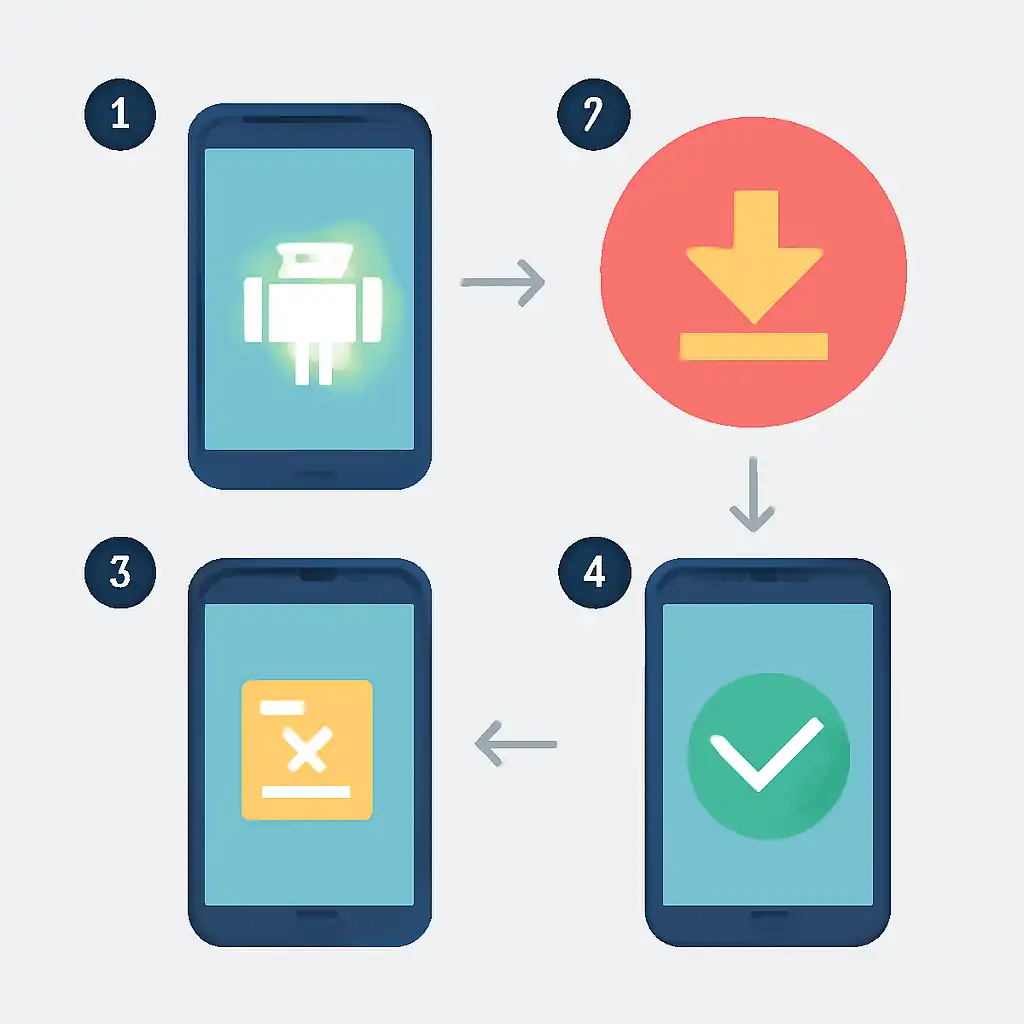
The full install takes under three minutes. Open Settings → Apps → Special App Access → Install Unknown Apps, locate your browser (Chrome or whichever you use), and toggle Allow from this source to ON. On Android 7 or earlier, enable the single Unknown Sources switch under Settings → Security. Now visit teenpattimasterapp.org, tap Download APK, and accept the browser's generic APK warning, that prompt appears for every APK download on Android, not only this one.
Once the file lands in your Downloads folder, open your notification shade or Files app, tap the APK, review the permissions screen, and tap Install. Installation completes in about ten seconds. As a good security habit, return to Settings afterward and revoke the Unknown Apps permission from your browser; Teen Patti Master will continue running normally because the permission only covers the install step, not app launch.
Device Compatibility
Teen Patti Master APK supports Android 5.0 and above, covering virtually every smartphone sold in India since 2015. The game runs comfortably on 2 GB RAM and is tested on Samsung, Xiaomi, Realme, Vivo, Oppo, OnePlus, and Motorola handsets. Heavily customised OS skins like MIUI or ColorOS use slightly different menu labels for the Unknown Sources toggle, but the install process itself is identical.
Android APK Install Common Questions
Why does my phone warn me during download? Android shows a caution message for every APK file regardless of its source, it is a system-level prompt, not a flag against Teen Patti Master specifically. Tap "Download anyway" to continue. Is the APK safe? Yes. The file is signed before each release on teenpattimasterapp.org, so the OS will block installation if the package has been modified.
How do I update without losing progress? The app delivers an in-app update prompt when a new version is available. Tap it, the latest APK downloads automatically, and the installer overwrites only the app files, your account balance, chip history, and settings are stored server-side and remain intact after every update.